
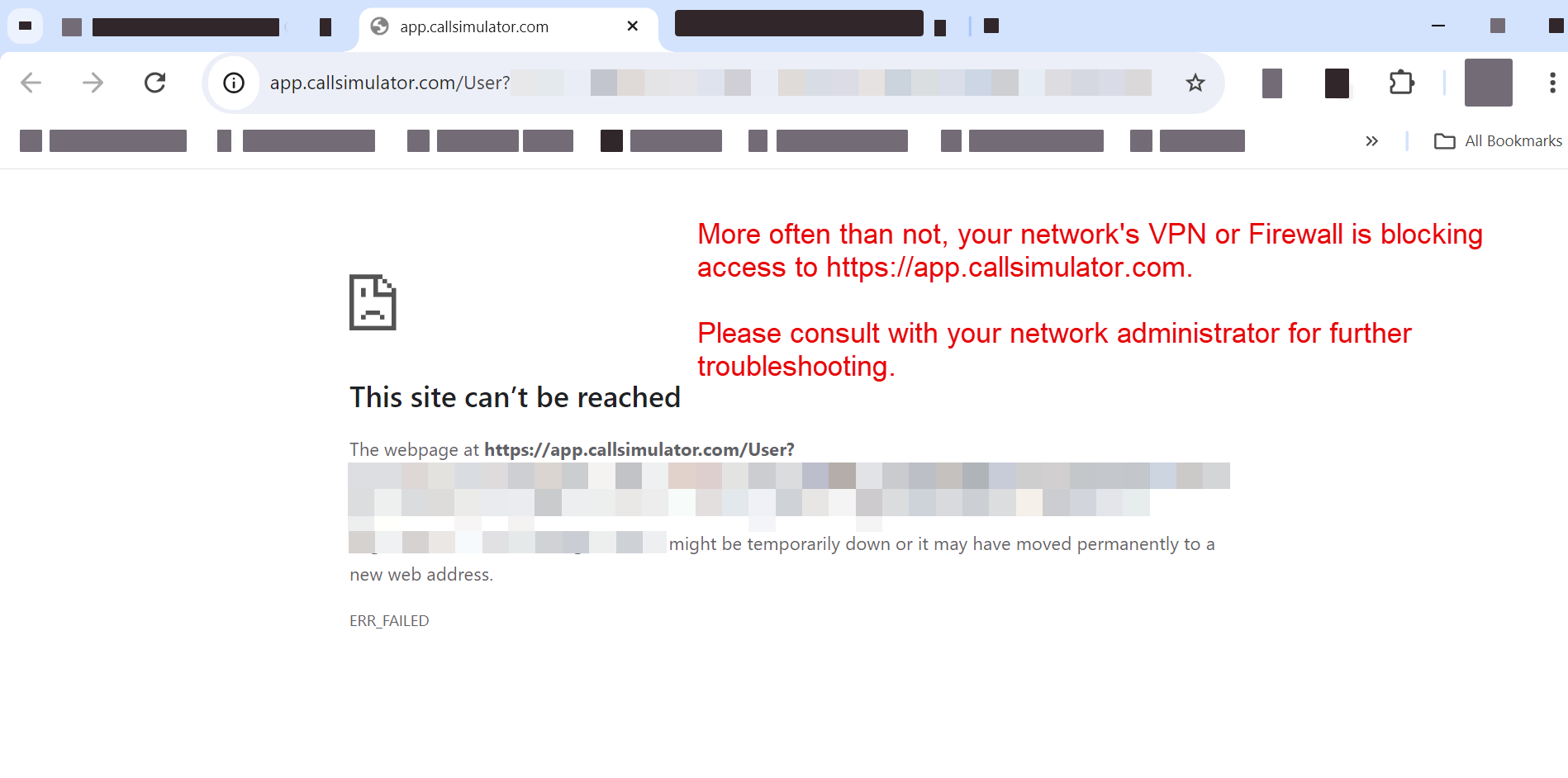
Should you encounter an error message like that in the above screenshot (This site can't be reached) when trying to access https://app.callsimulator.com, prior to contacting Call Simulator Support, please troubleshoot as follows:
- Check this site to see if Call Simulator is down for everyone (enter https://app.callsimulator.com into the applicable field).
- Clear your cache. See this helpful article for steps to take.
- Next, check your internet connection. Try restarting your internet connection, if working from your home office. Try accessing https://app.callsimulator.com again.
- Next, turn off your firewall, VPN (PLEASE consult with your internal IT Department first), or anti-virus software. Try accessing https://app.callsimulator.com again. Below are helpful links for Microsoft Defender and macOS:
- If you are still unable to access Call Simulator and you are working from home, it is likely an issue with your home network firewall at the router or Internet Service Provider (ISP) level. Please consult with your ISP or router manual. If you are trying to access Call Simulator via your organization's network, please consult with your network administrator.
See also steps to take to troubleshoot your microphone configuration.
Should you continue to have issues, please do not hesitate to reach out to a Client Experience Associate via Support@CallSimulator.com or via the chat widget located in the bottom corner of this screen.